
Staying on Umbraco 13: risks and upgrade plan
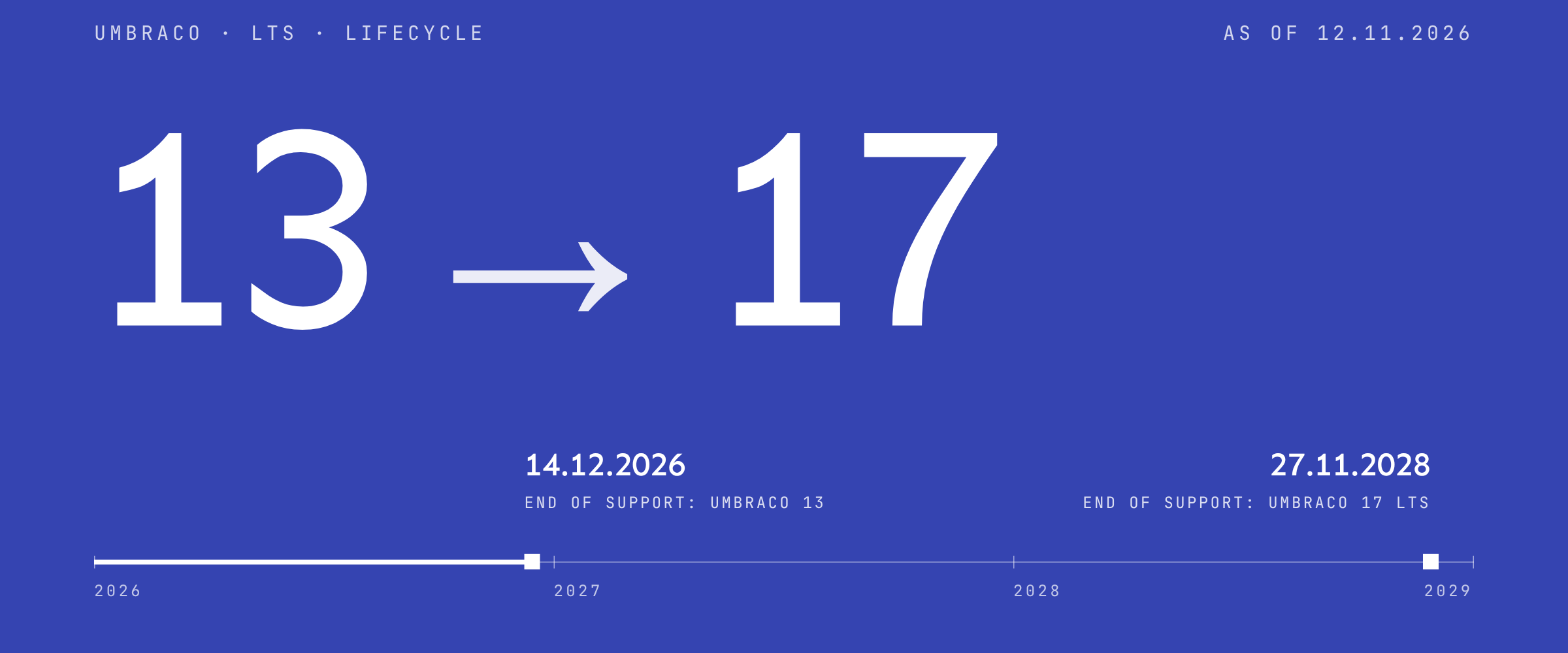
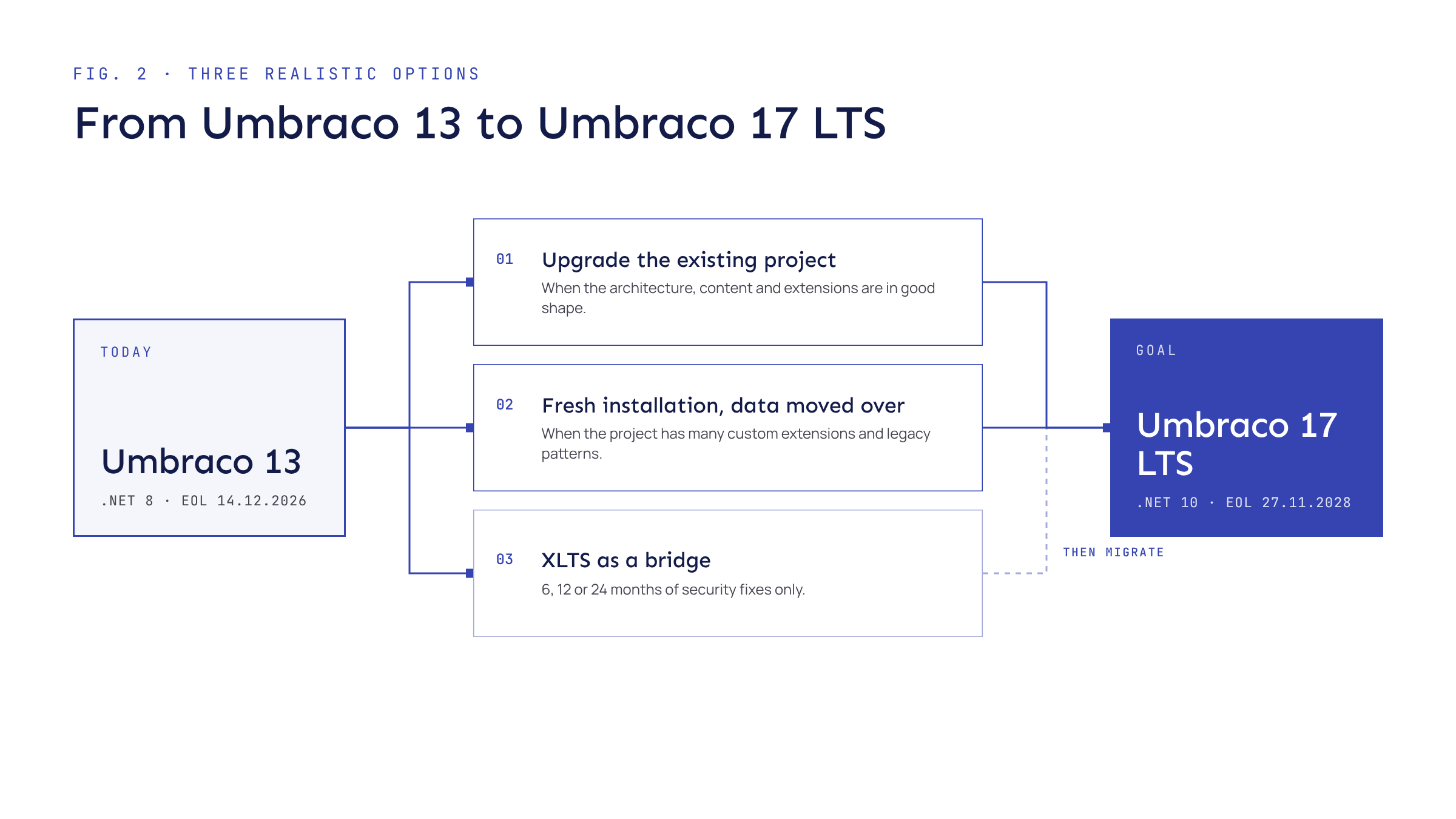
A site on Umbraco 13 will not stop working on 14 December 2026, but it will get no more security fixes. Microsoft support for .NET 8, the platform it runs on, ended on 10 November 2026. You have three realistic options: upgrade to Umbraco 17 LTS, rebuild on a fresh 17 installation, or buy paid XLTS as a bridge.
What changes, and when
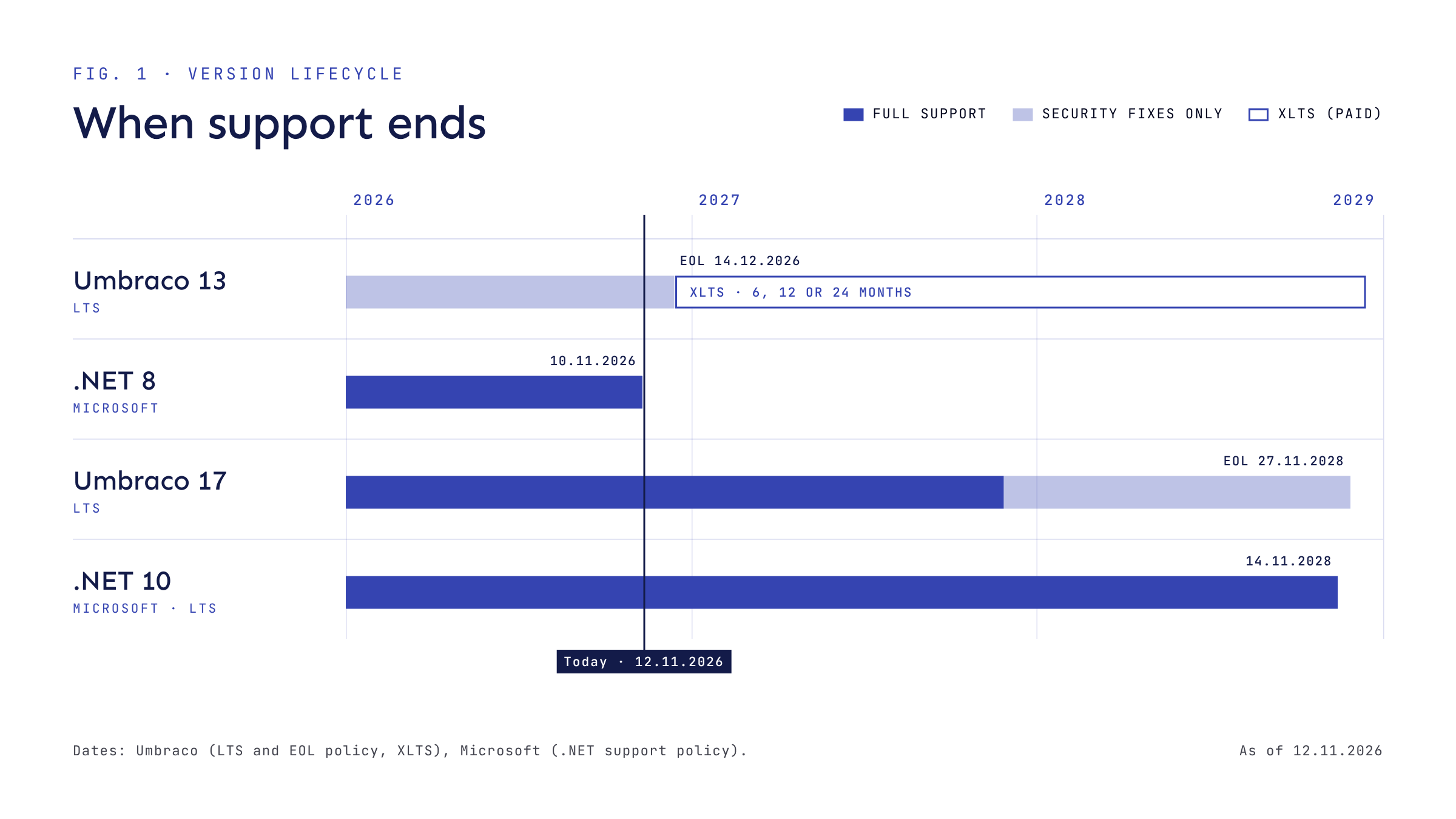
Umbraco 13 is a long-term support (LTS) release. Its lifecycle runs as follows:
After EOL the site keeps running. New vulnerabilities in Umbraco 13 will not be patched, though, unless you buy XLTS. Microsoft no longer ships fixes for .NET 8; the last was 8.0.34, released on 10 November 2026.
The same dates apply on Umbraco Cloud, where automatic security patches stop at EOL. Umbraco also publishes a later timeline for Umbraco 13 projects on Cloud: XLTS ends on 14 December 2028, projects then move to dedicated hosting, and hosting ends on 14 December 2029.
The risks of staying
- [01]
Unpatched vulnerabilities
Any new flaw in Umbraco 13 or .NET 8 stays in your site. That includes the backoffice and the forms your customers’ data passes through.
- [02]
Contract and audit requirements
If your security policy, insurance or a client contract requires supported software, the site no longer meets it.
- [03]
No vendor support
You can no longer raise Umbraco 13 issues with Umbraco HQ.
- [04]
A widening gap
Moving on from 13 includes the changes introduced in 14: a new backoffice without AngularJS, a new way of extending it, and the Management API in place of the old controllers. Putting the migration off does not make that work smaller.
- [05]
The cost of a bridge
XLTS is paid per period and coverage must be continuous. It buys time, but it does not remove your technology dependencies.
Three realistic options
- 01
Upgrade the existing project to Umbraco 17 LTS
A good fit when the architecture, content and extensions are in decent shape. You keep proven editorial workflows and the scope of code changes stays under control. Umbraco 17 runs on .NET 10 LTS. It enters its security-only phase on 27 November 2027 and reaches end of life on 27 November 2028. Microsoft supports .NET 10 until 14 November 2028.
- 02
Rebuild on a fresh Umbraco 17 installation and move the data
Better when the project has a lot of custom extensions, legacy backoffice patterns or messy data structures. Schema and content are moved with Umbraco Deploy import and export, and integrations are rebuilt only where they are needed. It is more work up front, but you carry less technical debt into the next few years.
- 03
XLTS as a bridge
Umbraco offers paid extended support for 6, 12 or 24 months. Coverage starts the day after EOL and includes security patches only; the feature set is frozen. Patches are delivered through a private NuGet feed. Umbraco’s XLTS page does not say whether it covers .NET 8 as well, so ask before you buy. XLTS gives you time to migrate; it does not replace migration.
What to check before you decide
- Versions. The exact Umbraco 13 and .NET 8 versions on every environment.
- Packages. A list of packages and their Umbraco 17 versions, or replacements.
- Custom code. AngularJS backoffice extensions, controllers under /umbraco/api and views that use Smidge. Version 14 removed or changed all of these.
- Umbraco Forms. Forms 17 needs a subscription licence key in appsettings.json, and one-off licences have to be migrated.
- Content model. Document types, blocks, media, dictionary items and date fields. Umbraco 17 stores system dates in UTC and updates existing data with a built-in migration.
- Integrations. CRM, ERP, payments, sign-in and other external services.
- Hosting and deployment. Umbraco Cloud or your own server, the number of environments and your release process.
- SEO and measurement. URLs, redirects, metadata, sitemap, analytics and consent.
A step-by-step upgrade plan
Inventory
Take an inventory using the list above and assess the risks.
Choose a route
Choose a route: upgrade the existing project or start from a fresh 17 installation.
The XLTS decision
If the migration will not be finished before 14 December 2026, decide on XLTS before that date. Coverage starts the day after EOL and cannot have gaps.
Backup and test environment
Take a backup and set up a test environment with a copy of production data.
Migration
Carry out the migration: .NET 10, packages, custom code and content model, or a schema and content transfer to the new installation.
Testing
Test editorial workflows, forms, integrations, redirects and metadata.
Editor training
Train your editors. Since version 14 the backoffice looks and works differently from 13.
Launch
Launch the new version, check the site after go-live and plan updates within the Umbraco 17 LTS lifecycle straight away.
Sources
Is your site on Umbraco 13?
Start with a free 30-minute call about your site. The pre-migration review costs €660 excl. VAT, and if we carry out the migration, the review is included in the price.
Read next
All posts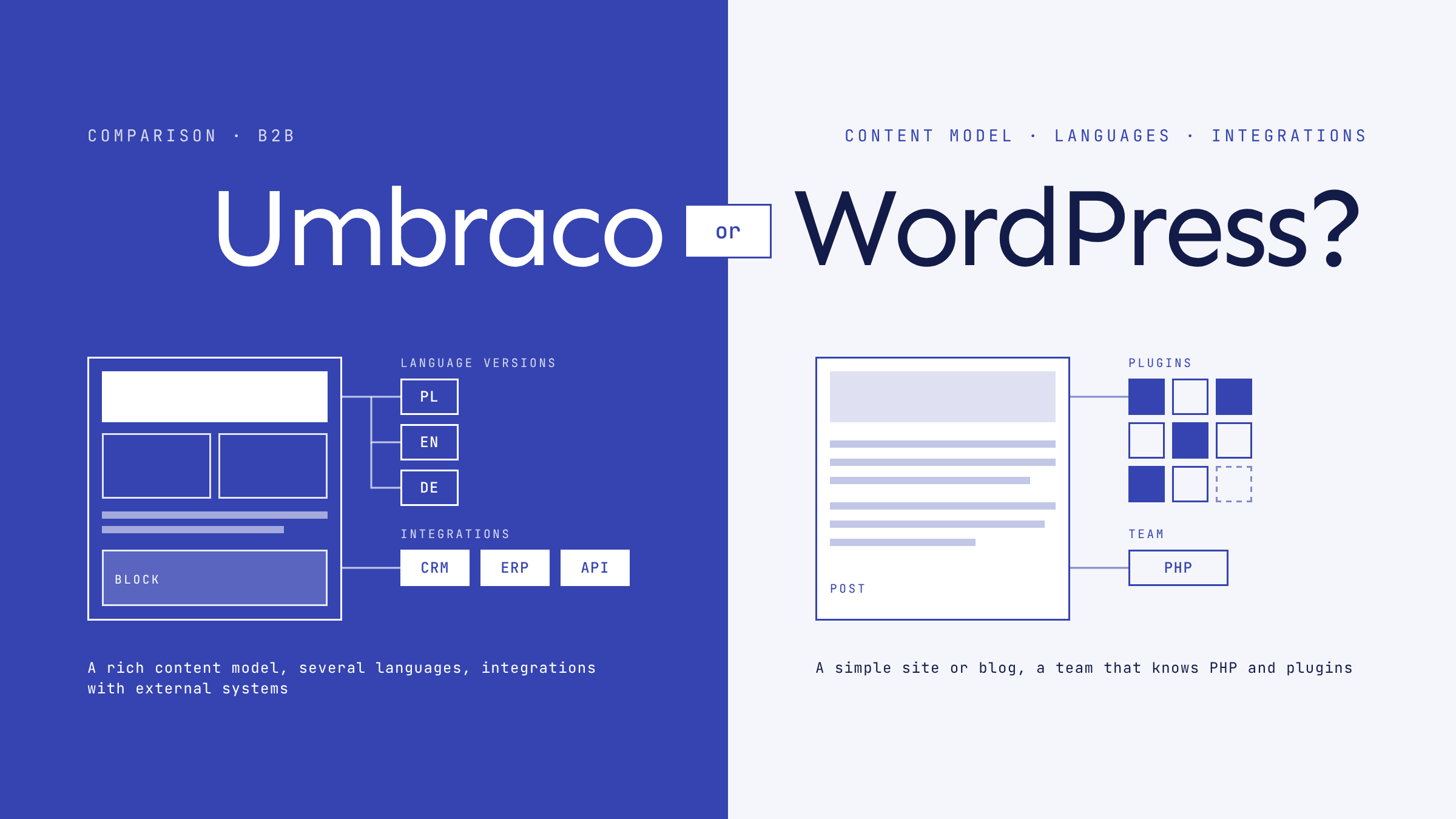
Umbraco or WordPress for a B2B company
An honest comparison of Umbraco and WordPress for B2B websites: content model, multilingual sites, integration with external systems, security, hosting and costs.
Coming soon
More project notes
New posts will appear here and on the blog.